ADVANCE DYNWEB APP DEVELOPMENT (Builders, Crocoblock) – Part 2

This advanced course is designed as a continuation of the foundational course on building websites with WordPress. It focuses on using the JetEngine plugin to create dynamic, data-driven websites. By the end of this course, students will be able to build websites with advanced features like custom post types, taxonomies, and dynamic templates, providing an enhanced, interactive user experience.

Course starts in

00
Days
00
Hours
00
Minutes
00
Seconds
This course has started! Next sessions begins following week.

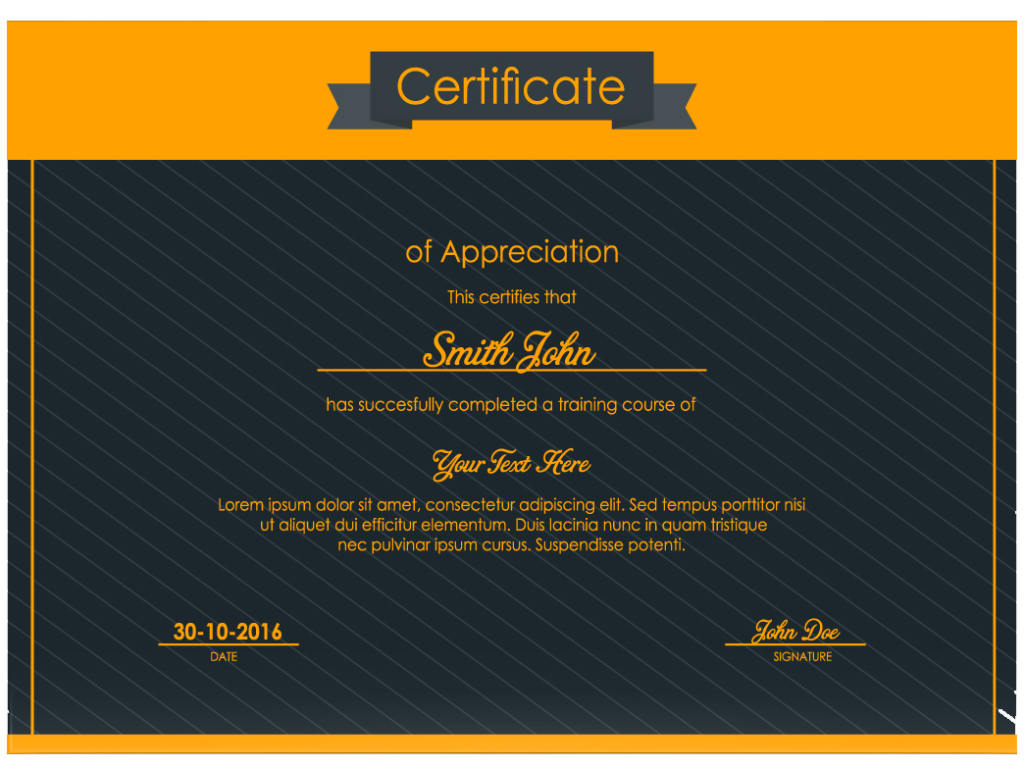
Professional Certificate

Earn a career credential that demonstrates your expertise

Taught in:
English
Weekdays | Weekend Classes Starts Soon!
Weekdays
1 - 3 Months
10am - 12pm
Weekends
1 - 3 Months

Who can participate?

Earn a certificate

What you'll learn

Skills you'll gain

Project Management
Career Development
Strategic Thinking
Quality Management
Project Execution
Problem Solving
Integrate JetEngine with other Crocoblock tools for advanced functionality.
Use dynamic forms for user interactions.
Design and implement dynamic templates and listings.
Create and manage custom post types, custom fields, and taxonomies.
Learn the basics of JetEngine and its capabilities.
Understand the concept of dynamic websites and their applications.
Gallery

See how employers at top companies are employing in-demand skills

Prepare for a Career in ADVANCE DYNWEB APP DEVELOPMENT (Builders, Crocoblock) – Part 2

  • Receive professional-level training from Astro TEC
  • Demonstrate your proficiency in portfolio-ready projects
  • Earn an employer-recognized certificate from Astro TEC
  • Qualify for in-demand job titles: Project Manager, Project Coordinator, Project Assistant

Get exclusive access to career resources upon completion

Resume review

Improve your resume and LinkedIn profile with personalized feedback

Interview preparations

Practice your skills with interactive tools and mock interviews

Career support

Plan your career move with Astro TEC job search guide

Earn a career certificate

Add this credential to your LinkedIn profile, resume, or CV. Share it on social media and in your performance review.

Course Outline: Introduction to Dynamic Websites and JetEngine
Module 1:
Introduction to Dynamic Websites and JetEngine
  • Static vs. dynamic websites.
  • Use cases for dynamic content in web design.
  • Overview of JetEngine features.
  • Installing and activating JetEngine.
  • Creating custom post types (CPTs).
  • What are CPTs and their use cases?
  • Adding CPTs with JetEngine.
  • Types of custom fields and their applications.
  • Creating and assigning custom fields in JetEngine.
  • Organizing custom fields with meta boxes.
  • Displaying meta box data on the front end.
  • Creating and editing dynamic templates with Elementor.
  • Displaying dynamic data in templates.
  • Using JetEngine’s Listing Grid widget.
  • Customizing the display of CPT data.
  • Using dynamic forms for user input.
  • Storing form submissions in the database.
  • Conditional logic and notifications.
  • Integration with email and other tools.

Advanced JetEngine Features

  • Creating relationships between CPTs.
  • Displaying related posts dynamically.
  • Adding filters to listing grids.
  • Customizing filter design and functionality.

Integrating JetEngine with Crocoblock Tools

  • JetEngine integration with JetSmartFilters, JetBooking, and other tools.
  • Using JetEngine to create dynamic e-commerce features.
  • Integrate JetEngine with a Crocoblock tool (e.g., JetBooking for dynamic booking functionality).

Website Optimization and Maintenance

  • Performance tips for JetEngine sites.
  • Caching and speed optimization.
  • Regular updates, backups, and security.


Final Project

Build a complete dynamic website using JetEngine.

    • Define a concept for the site (e.g., real estate listing, event management, portfolio).
    • Implement CPTs, taxonomies, custom fields, and dynamic templates.
    • Integrate forms, filters, and other advanced JetEngine features.
    • Optimize and secure the site for launch.
  • Submission: Present the website along with a report detailing its features and implementation process.


See related courses

Back-End Web Development

Duration: 12 Weeks

Front- End Web Development

Duration: 10 weeks

Content Creation and Design Tools

Duration: 4 weeks

Product Design

Duration: 8 weeks

Mobile App Development

Duration: 6 weeks

Advance Excel & Data Tools

Duration:

From Astro Tec Community

Fill your details